

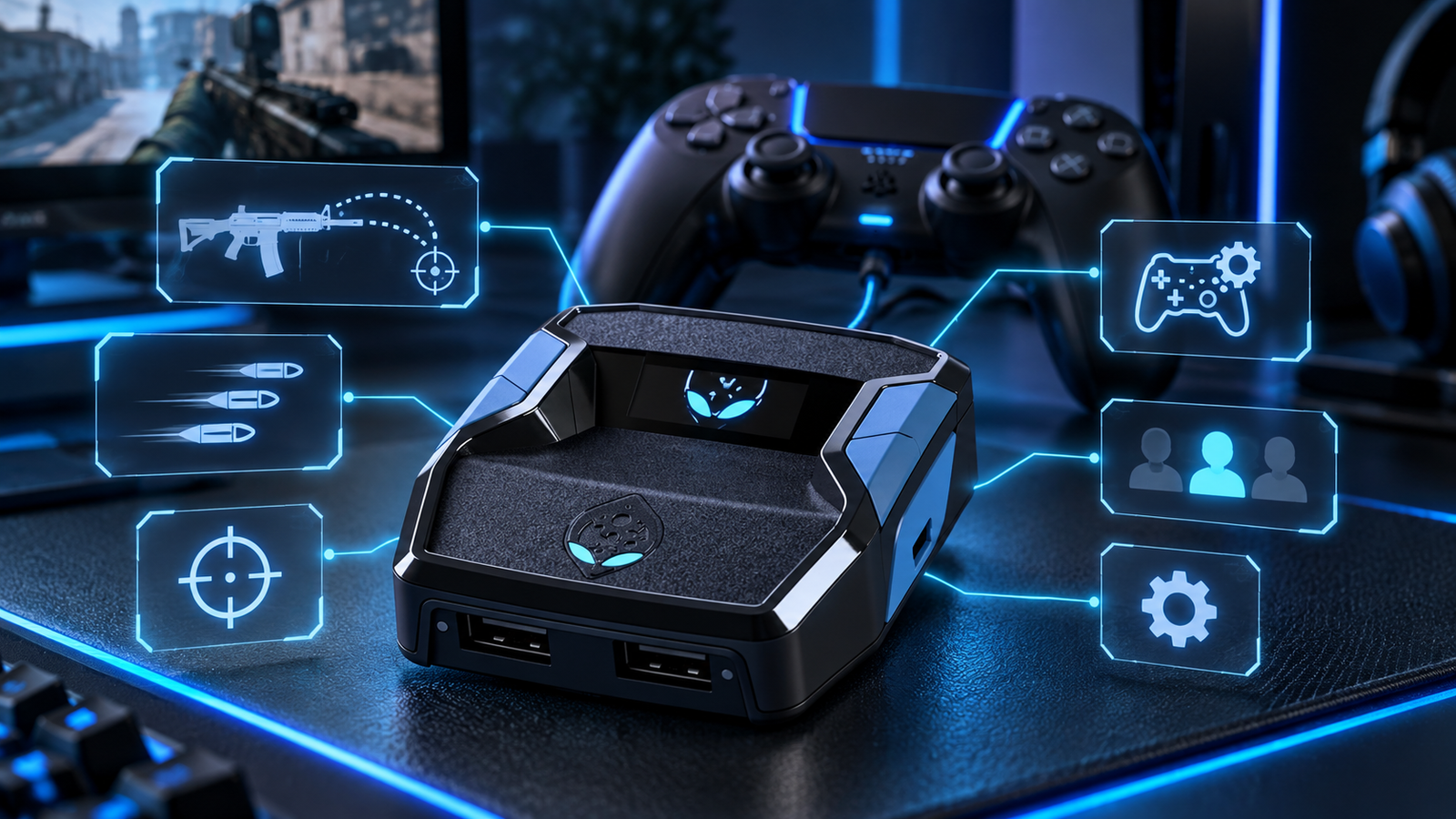
Controller customization has become increasingly sophisticated, and Cronus zen scripts are now one of the most discussed options among players looking for greater control over how their controller inputs behave. Rather than changing a game’s files, these scripts are generally designed to run through a Cronus Zen device and modify or automate specific controller-input patterns. Depending on the script and game, that can include recoil-control profiles, rapid-fire functions, movement combinations, aim-related adjustments, and other configurable actions.
For someone encountering Cronus Zen for the first time, however, the terminology can quickly become confusing. What exactly is a script? How is it installed? Why are different scripts created for different games? And what should a player examine before choosing one?
This guide explains the subject from the ground up.
Table of Contents
What Is a Cronus Zen Script?
A Cronus Zen script is a set of instructions written for the Cronus Zen platform that tells the device how to respond to particular controller inputs.
Think of it as an additional layer between your controller and the game system.
Normally, when you press a button or move an analog stick, the controller sends that input directly to the console or PC. With a compatible script loaded onto Cronus Zen, the device can process that input according to predefined rules before sending the resulting controller signal onward.
The functionality depends entirely on how the script has been designed.
Some scripts are relatively simple and focus on one particular behavior. Others include multiple profiles, adjustable values, menus, weapon configurations, movement functions, or different settings that players can switch between.
This is also why two Cronus Zen scripts designed for the same game can feel significantly different.
What Can Cronus Zen Scripts Do?
Modern scripts can contain a variety of controller-related functions. The exact features depend on the game and individual script, but several categories appear frequently.
Anti-Recoil Configuration
Recoil control is one of the best-known Cronus Zen functions.
When a weapon causes the player’s aim to move upward or sideways during firing, an anti-recoil configuration can apply a predefined counter-input.
The important word here is configuration.
Different weapons, attachments, sensitivity settings, controller layouts, and game updates may affect recoil differently. A useful script therefore needs enough adjustment options for players to tune the behavior to their own setup instead of relying on one universal value.
Aim-Related Controller Adjustments
Some scripts contain input patterns intended to work alongside the aim-assist mechanics already present in supported games.
These scripts do not all operate in exactly the same way. Settings may affect stick movement, activation conditions, intensity, timing, or how different features interact.
For this reason, simply selecting the highest available value is rarely the best approach. Proper calibration matters considerably more than extreme settings.
Rapid-Fire Functions
Rapid-fire configurations automate repeated button inputs while the player holds or activates a particular control.
This can be relevant to games or weapons where repeated trigger presses are normally required.
A well-designed implementation should also make it easy to enable or disable the feature because not every weapon or gameplay situation requires the same behavior.
Movement and Button Combinations
Cronus Zen scripts can also automate sequences that would otherwise require several controller inputs.
Depending on the game, these may include movement combinations, repeated actions, timing-based button presses, profile switching, or other controller macros.
Game-specific design becomes especially important here because useful movement functions in one title may be completely irrelevant in another.
Why Game-Specific Scripts Matter
A common beginner mistake is assuming that one script should work equally well across every game.
In reality, games differ dramatically.
They have different:
- controller mechanics;
- sensitivity systems;
- weapon behavior;
- aim-assist systems;
- button layouts;
- movement mechanics;
- gameplay updates;
- and controller settings.
A script designed around a first-person shooter therefore needs a very different structure from one created for a sports game.
Even two shooters may require substantially different configurations.
This is why specialized scripts are generally more practical than attempting to use one generic configuration for everything.
Cronus Zen Scripts for PS5, Xbox and PC
Platform compatibility is another important consideration.
Cronus Zen is commonly associated with PlayStation, Xbox and PC controller setups, but the exact connection process can differ depending on the console, controller and firmware environment being used.
Before choosing any script, players should check three separate forms of compatibility:
Device compatibility: Does the script support the Cronus Zen configuration being used?
Platform compatibility: Is the intended setup suitable for PlayStation, Xbox or PC?
Game compatibility: Was the script specifically designed and maintained for the relevant title?
A script being compatible with Cronus Zen does not automatically mean every possible controller-and-platform combination will require the same setup procedure.
How Cronus Zen Scripts Are Installed
Installation generally revolves around the Cronus Zen software environment.
Although individual script providers may have their own instructions, the basic workflow normally looks something like this:
- Prepare the Cronus Zen device and make sure its firmware and software environment are properly configured.
- Obtain the compatible script file.
- Open the appropriate Cronus Zen software on a computer.
- Load or compile the script where required.
- Program it to an available device memory slot.
- Connect the intended controller and gaming platform.
- Open the script menu or configuration system.
- Adjust settings for the game, sensitivity and preferred controller behavior.
- Test the configuration and fine-tune values gradually.
The last step is particularly important.
Installing a script and configuring a script are not necessarily the same thing. A script can be installed correctly while still requiring adjustments before it matches an individual’s controller settings.
Choosing the Right Cronus Zen Script
The largest feature list does not automatically make a script the best choice.
A better way to compare options is to examine several practical characteristics.
1. Game Support
Start with the obvious question: was the script actually built for the game you play?
Game-specific functionality is generally more useful than an enormous list of generic features.
2. Adjustable Settings
Look for scripts that allow meaningful customization.
Sensitivity, recoil values, profiles and activation settings can vary substantially between players. Adjustable values make it easier to adapt the script rather than forcing your gameplay setup to adapt to the script.
3. Clear Instructions
Good documentation is often more valuable than another complicated feature.
A useful script should make it reasonably clear how to:
- install it;
- open its menu;
- navigate its settings;
- change values;
- save configurations;
- switch profiles;
- and troubleshoot common problems.
4. Updates
Modern games change frequently.
Weapon balancing, controller behavior, patches and gameplay systems can alter how an existing configuration performs.
For that reason, users considering a script library should examine whether the provider continues maintaining its products after release.
5. Support Resources
Beginners can encounter problems that have nothing to do with the script itself.
Firmware, controller connections, software setup, menu navigation and incorrect values can all cause confusion.
Guides, troubleshooting information and accessible support can therefore be an important part of the overall product rather than an optional extra.
6. Simplicity
More complexity is not always better.
A player who only wants a small number of adjustable functions may have a better experience with an organized script than with an enormous menu containing features they never use.
The best option is the one that matches the user’s actual requirements.
Why Script Settings Matter
One of the most important things to understand about Cronus Zen scripts is that settings cannot always be copied blindly from another player.
Imagine two people using the same game and weapon.
Player A uses a high in-game sensitivity and a standard controller.
Player B uses lower sensitivity, different dead-zone values and another controller configuration.
Even though they are playing the same game, identical script values may produce different results.
This is why initial settings should usually be treated as a starting point rather than a perfect universal configuration.
Change one variable at a time, test the result, and keep the values that actually work with your setup.
Common Mistakes New Users Make
Using Extreme Values Immediately
Increasing every value does not necessarily improve performance.
Aggressive settings can make controller behavior feel unnatural or inconsistent. Start conservatively and adjust gradually.
Ignoring In-Game Settings
A script works alongside your existing controller configuration.
Sensitivity, dead zones, button layouts and other game settings can therefore influence the result.
Using the Wrong Profile
Some scripts contain separate profiles for different weapons, play styles or configurations. Make sure the active profile actually corresponds to what you are using.
Skipping Documentation
Many apparent technical problems are simply configuration mistakes.
Reading the setup guide before changing random settings can save considerable time.
Forgetting About Game Updates
A major update can change weapon behavior or other mechanics.
If a configuration suddenly performs differently after a patch, check whether new settings or a script update are available before assuming something has broken.
Cronus Zen Scripts and Game Rules
This is an important subject that should not be ignored.
A script operating through controller inputs is not automatically permitted by every game, tournament, platform or competitive environment.
Publishers can establish their own rules regarding unauthorized hardware, macros, automated inputs or competitive advantages. Those rules can also change over time.
Players should therefore review the current terms and policies for the specific game and platform they intend to use.
In competitive environments especially, never assume that a feature is permitted simply because it is technically possible.
Are Premium Cronus Zen Scripts Different From Free Scripts?
Free and paid scripts both exist, and price alone does not determine quality.
The more useful comparison is what the user actually receives.
A premium option may justify its cost when it includes:
- continued updates;
- organized configuration menus;
- multiple profiles;
- detailed documentation;
- installation assistance;
- troubleshooting support;
- game-specific tuning;
- and ongoing compatibility work.
Conversely, a paid script with poor documentation and no meaningful maintenance is not automatically superior to a well-built free alternative.
Evaluate the complete package rather than the price tag.
What Makes a Good Cronus Zen Script?
A good script should achieve more than simply offering dozens of features.
It should be understandable.
It should be configurable.
It should have a clearly defined purpose.
And ideally, the developer should make it easy for users to determine whether it fits their game and setup before they spend time configuring it.
For most users, the strongest combination is:
relevant features + straightforward controls + adjustable settings + clear documentation + continued support.
That combination usually creates a better experience than feature quantity alone.
Frequently Asked Questions About Cronus Zen Scripts
What language are Cronus Zen scripts written in?
Cronus Zen scripts commonly use GPC-based scripting designed for the Cronus ecosystem. Scripts contain instructions that determine how the device handles specified controller inputs and conditions.
Do I need a Cronus Zen device to use a Cronus Zen script?
Generally, yes. A Cronus Zen script is intended to run through the Cronus Zen environment rather than functioning as an ordinary standalone PC application.
Can one Cronus Zen script work for every game?
Some general-purpose functionality may be reusable, but game-specific scripts are normally designed around the mechanics and control systems of individual titles. A configuration optimized for one game should not automatically be expected to work identically in another.
Do Cronus Zen scripts need configuration?
Many do. Factors such as sensitivity, controller settings, weapon behavior and personal preferences can affect the ideal values.
Why does anti-recoil feel different with different weapons?
Different weapons can have different recoil behavior. Attachments and game updates may also alter weapon characteristics, meaning a single recoil value may not suit every loadout.
Do scripts continue working after a game update?
It depends on what the update changes. Some patches may have little effect, while major gameplay or weapon changes can require new settings or script revisions.
Are Cronus Zen scripts the same as modifying game files?
They are generally designed to process controller inputs through the Cronus Zen device rather than directly editing the installed game’s files. That distinction, however, should not be confused with permission: individual games and competitive platforms can still restrict certain hardware or automated-input behavior.
Final Thoughts
Cronus Zen scripts can range from relatively simple controller automations to sophisticated, game-specific configuration systems containing multiple profiles and adjustable features. Understanding how they work is more useful than simply searching for the script with the longest feature list.
Before choosing one, focus on compatibility, documentation, configurability, updates and support. Once installed, take time to understand the available settings rather than immediately applying extreme values or copying another player’s configuration.
Most importantly, remember that technical compatibility and game-policy compliance are separate questions. Check the current rules of the game or competitive environment in which you intend to use the device.
Approached with that understanding, players can make a much more informed decision about which Cronus Zen script, configuration and support resources best match their particular setup.
