

Turning Personal Photos Into Physical Art With Software
Turning a personal photograph into a physical artwork is not simply a matter of printing what appears on a screen. Digital tools translate visual information into a form that suits thread, paint, wood, tiles, cut material, or another medium.
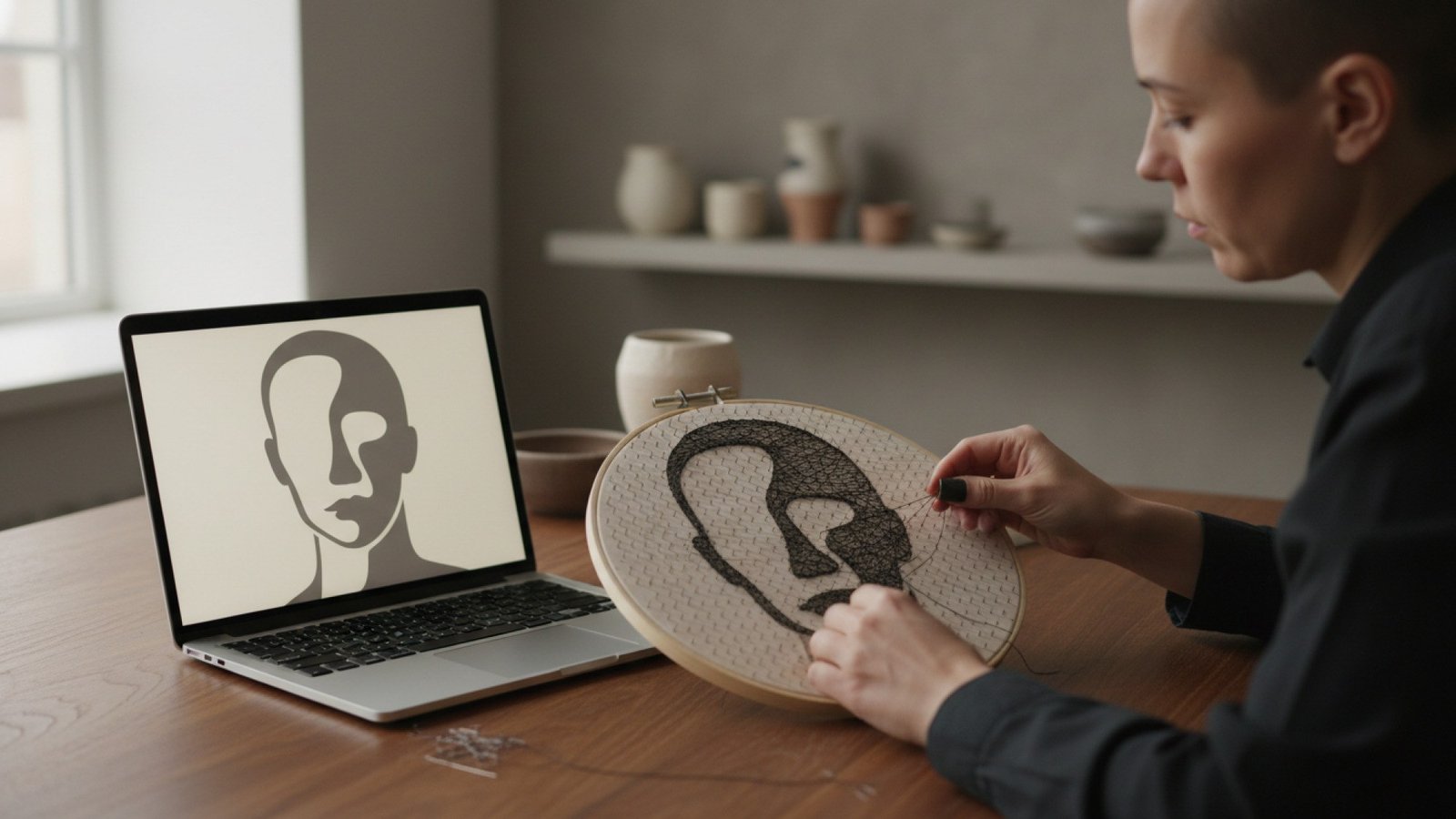
A digital interpretation provides the plan while the maker completes the physical artwork.
That translation can make ambitious projects more approachable, but it also changes the image. Knowing why helps users choose better photographs, judge previews realistically, and understand where software ends and hands-on craft begins.
Table of Contents
What Software Sees in a Photograph
Digital photographs are usually raster images: rectangular grids made from tiny picture elements called pixels. Each pixel stores color information, while brightness describes how light or dark that point appears. Resolution is the number of available pixels; it indicates detail capacity, not whether the composition suits a craft.
Contrast is the difference between light and dark areas. Strong contrast helps software distinguish a face from its background and preserve important edges. Color also matters, although a physical technique may have a much narrower visual vocabulary than a screen. A photograph contains color values, not ready-made stitch locations, cutting lines, or nail-to-nail steps.
Why Images Are Cropped, Resized, and Simplified
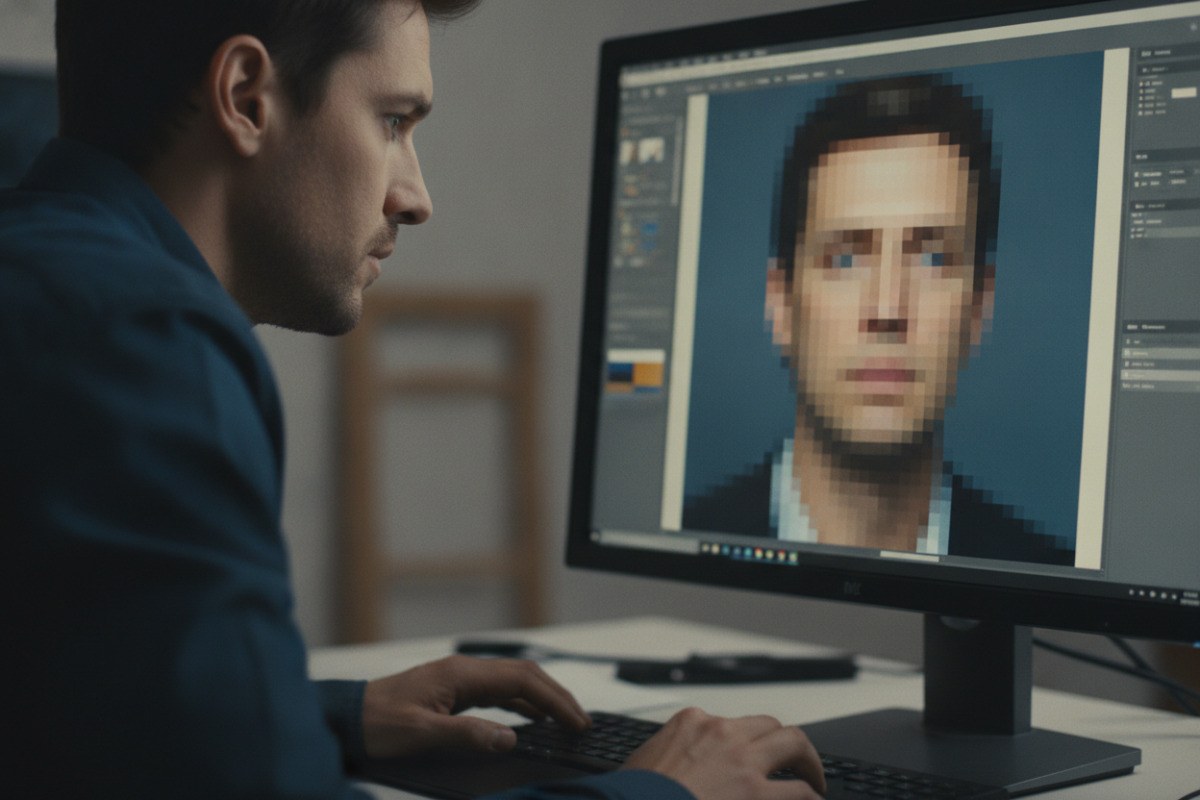
Digital photographs store visual information as grids of colored pixels.
A target object may be round, square, narrow, or limited to a fixed working area. Cropping removes distracting regions and places the subject where it will read clearly. Resizing then resamples the pixel grid so it matches the intended dimensions. Both operations can change which details remain visible.
Simplification is often deliberate rather than a flaw. A program may group similar shades into a smaller palette, strengthen important boundaries, or omit details too fine for the chosen material. An embroidery chart cannot reproduce every subtle skin tone, and a cutting-machine template needs clean shapes instead of soft photographic transitions.
Choosing a Photograph That Will Translate Well
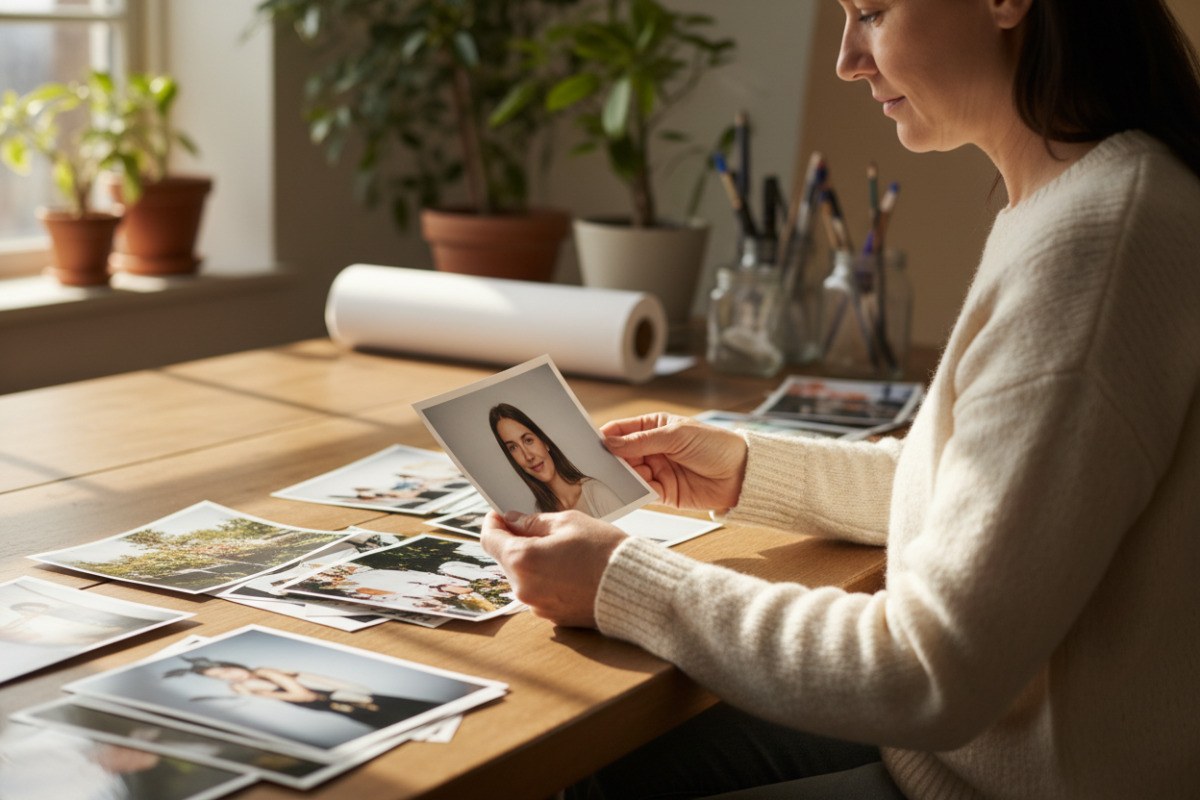
A simple, well-lit composition usually translates more clearly into a physical format.
The best input is not always the largest file. Suitable photographs generally have:
- one clearly visible main subject;
- strong separation between the subject and background;
- good lighting and contrast;
- recognizable facial features;
- a simple composition;
- no more than one or two main people.
A high-resolution photograph can still translate poorly if the subject is distant, the background is crowded, or the frame contains many small details. Conversely, a clear and well-lit portrait can survive simplification because its defining shapes remain obvious. Users should crop with the final format in mind, leaving appropriate space around the face without making it tiny.
One Image, Many Physical Formats
Personalized embroidery can map image regions to stitch colors and positions. Painting-by-numbers groups gradients into bounded color areas. Laser engraving may translate brightness into differences in mark density or intensity, while photo mosaics reproduce broad tones with tiles or smaller images. Cutting-machine templates convert useful edges into closed paths that a blade can follow.
Thread portraits use many straight connections between nails arranged around a frame. Where lines overlap densely, darker areas emerge; fewer crossings leave lighter regions, and the contrast gradually forms a recognizable image. A winding sequence gives the maker an ordered route through those connections. One example of this digital-to-physical process is string art from Spatar, where users can upload a photograph, review a generated preview, and follow a personalized winding sequence to create the physical portrait by hand.
From an Online Preview to Individual Instructions
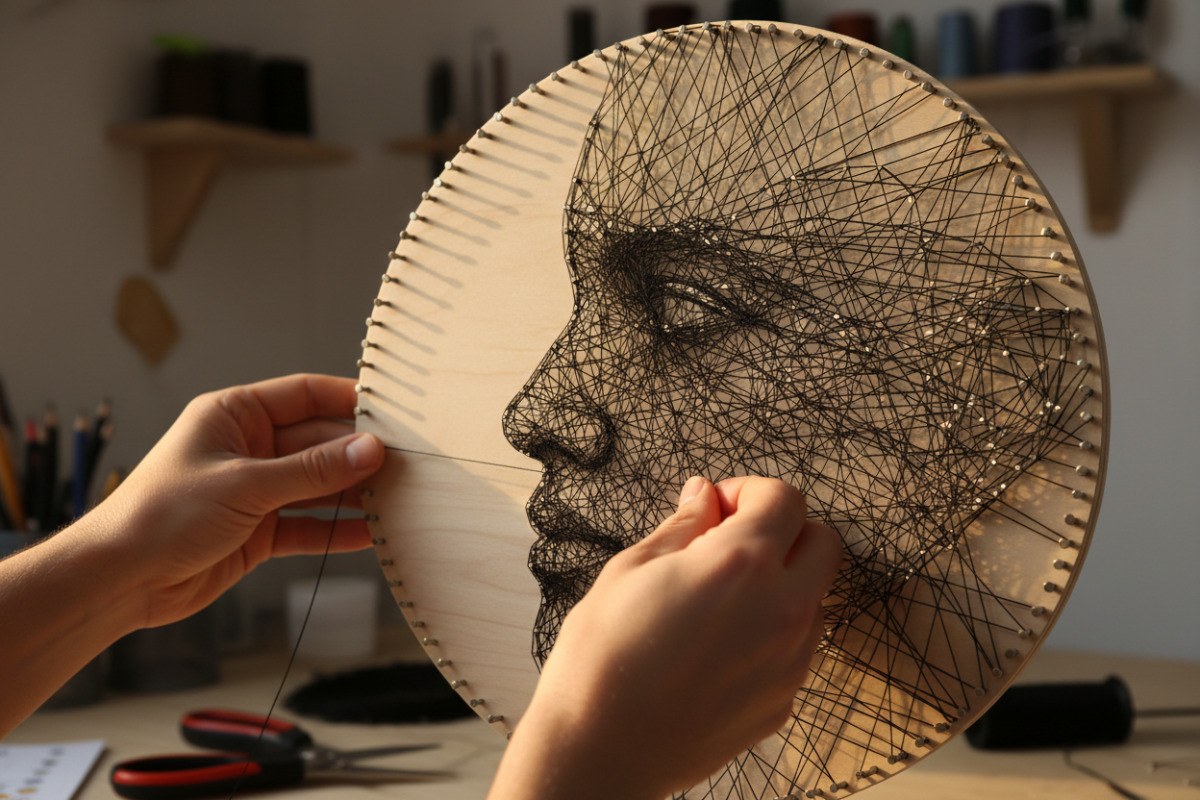
Overlapping thread connections create the light and dark areas of a portrait.
An online preview is more than decoration; it is an early suitability test. Users can check whether the face remains recognizable, whether the crop feels balanced, and whether the background competes with the subject. A useful preview should show the level of simplification honestly. It is still an estimate because material, scale, machine setup, and manual execution affect the finished result.
Once the composition is confirmed, software can generate an individual output from the user-provided image: a stitch map, numbered region plan, engraving file, mosaic placement guide, closed cutting path, or ordered winding sequence. Possible processing methods include resampling, grouping similar tones, tracing boundaries, and calculating paths. The exact method varies by tool and cannot be inferred from a preview alone; what matters to the user is whether the output is legible, consistent, and tied to the chosen crop.
Automatic Preparation Is Not Automatic Creation
Automatically preparing a design does not mean automatically creating the object. For embroidery, painting, mosaics, and thread portraits, software may supply the plan while the user performs the work. Even when a laser engraver or cutting machine follows a digital path, someone must choose material, set up the equipment, check scale, and handle the result safely.
The user therefore remains an active editor and maker. They select the source image, adjust framing, approve the interpretation, read the instructions, and correct small deviations during construction. Patience and precision are not downloadable; they are part of what gives the finished piece its physical character.
Privacy, File Quality, and Clear Guidance
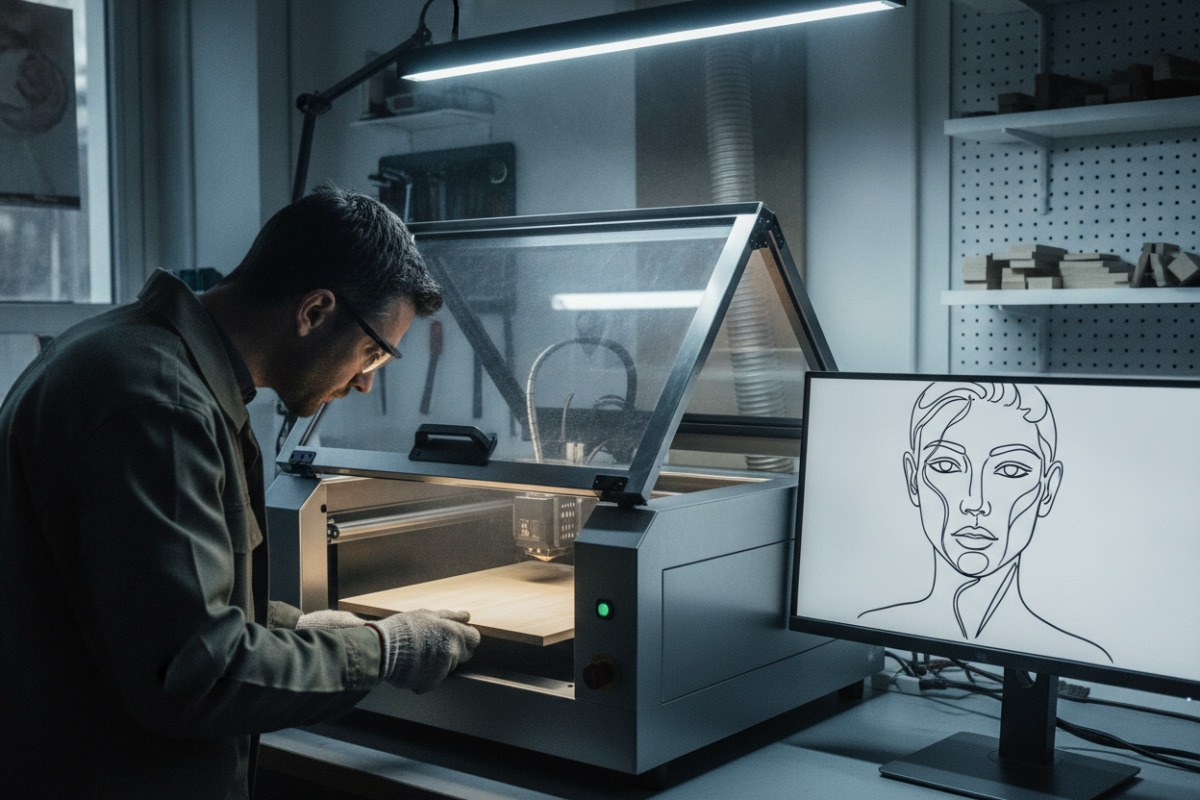
A digital design still requires material selection, equipment setup, and physical production.
Personal portraits can be sensitive. Uploaded photographs should be handled responsibly and according to the platform’s privacy policy. Before using a service, users should review what that policy says about storage, access, retention, and deletion rather than assuming every platform treats files in the same way.
File quality and instruction quality matter too. The source should be correctly oriented, free from avoidable compression damage, and supplied in an accepted format. Instructions should identify sequence, scale, colors, or placement clearly enough to use away from the screen. Realistic previews should communicate limits rather than imply that every strand, brushstroke, engraved mark, or tile will match a screen exactly.
Quick Questions About Photo-Based Projects
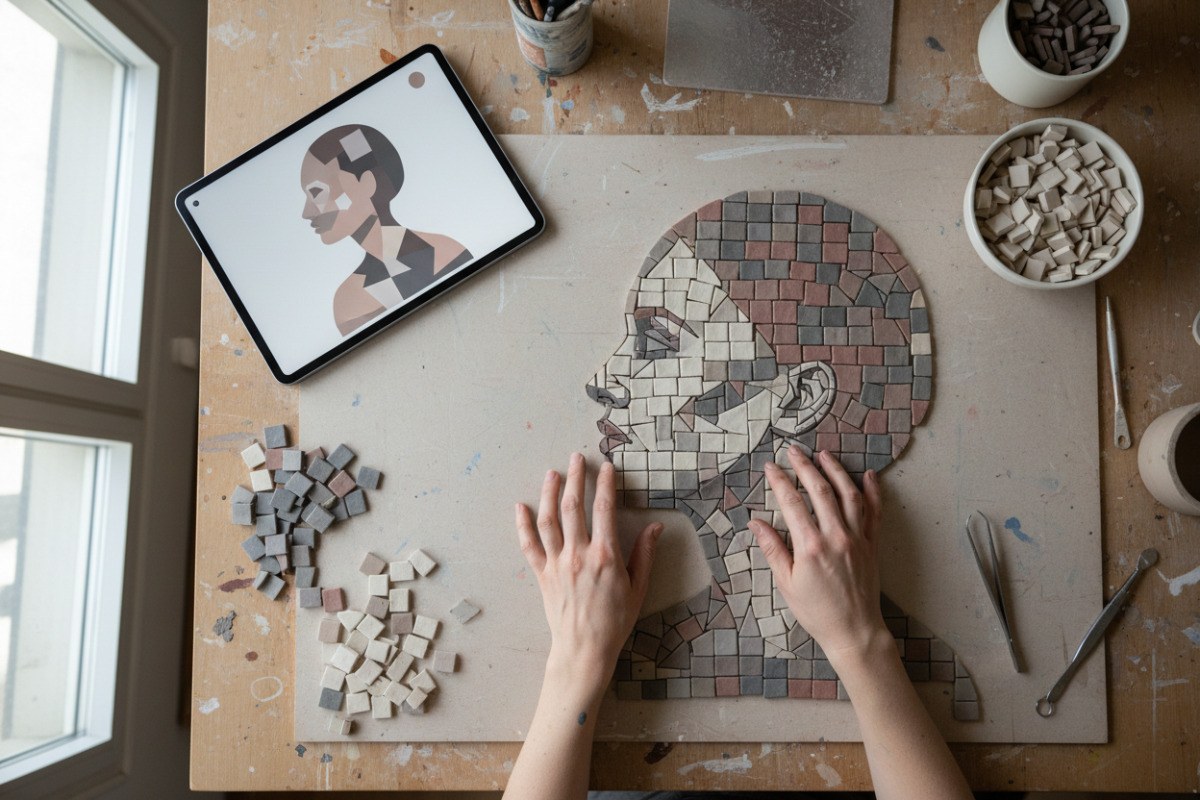
Software can simplify a photograph into a placement guide for hands-on construction.
What makes a portrait translate clearly?
A clearly visible subject, simple background, good light, strong contrast, and recognizable features usually produce the most readable result.
Does a high-resolution file guarantee a good pattern?
No. Resolution preserves detail, but distance, clutter, weak contrast, and poor framing can make that detail unhelpful.
Why does software remove details from a photo?
Physical media have limits. Removing tiny features or grouping similar colors can make the result readable and practical to construct.
Is an online preview exact?
No. It is a visual forecast; materials, scale, settings, and human execution can change the final appearance.
Does the software create the finished object?
Not necessarily. It may prepare a customized plan or machine-ready path, while a person or device performs the physical step.
Digital Assistance, Human Craft
Digital tools do not have to replace manual creativity. They can process complex visual information, simplify it for a particular medium, and prepare individualized instructions that make advanced projects more accessible. The user still contributes judgment when choosing and framing the photograph, then provides the time, precision, and physical work required to turn a digital plan into a finished object.
