

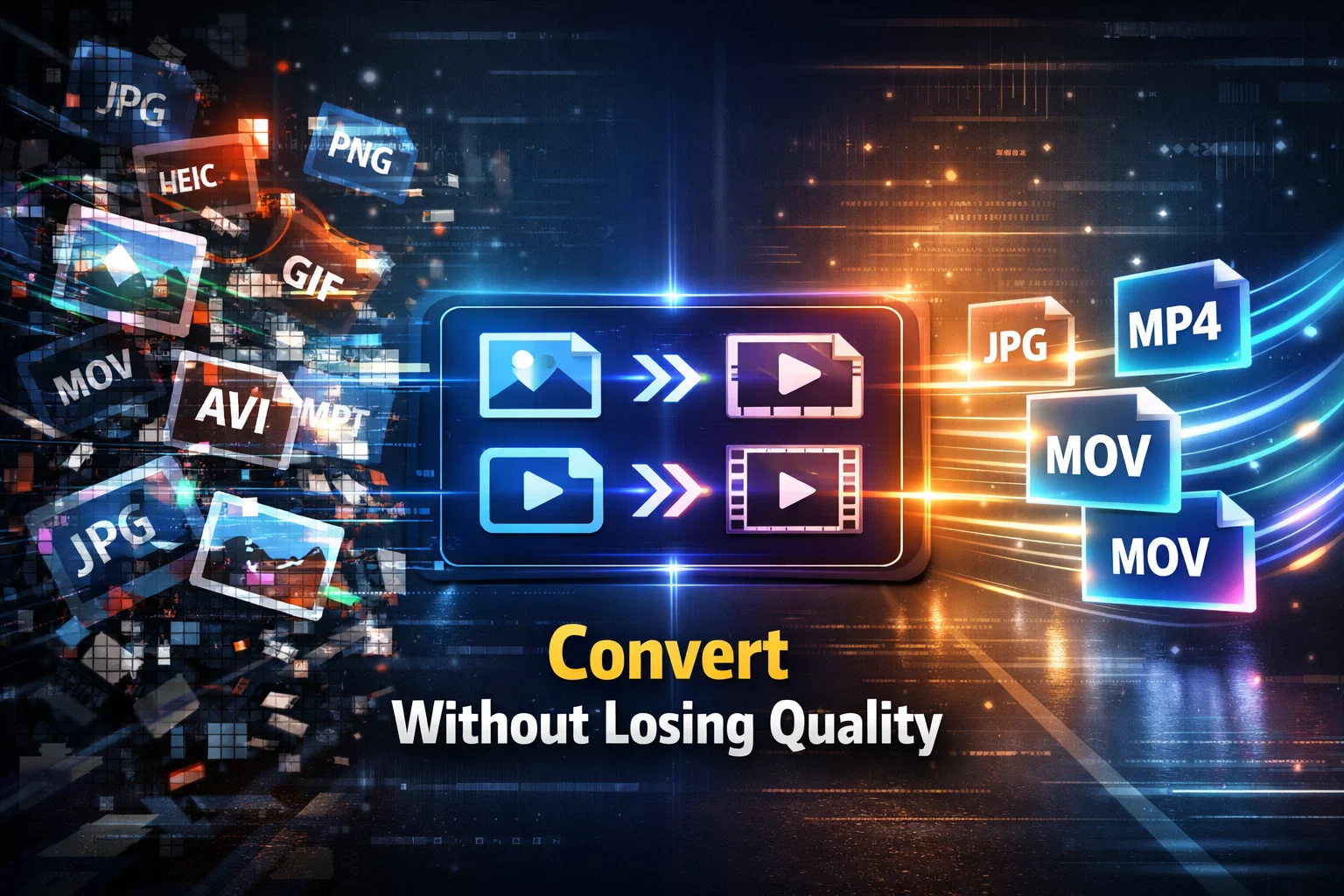
It is pertinent to mention that the management of digital media files has become an indispensable aspect of modern professional and academic life. The challenges associated with handling various file formats across different platforms necessitate proper understanding and utilization of appropriate conversion tools. In this regard, an Image Converter serves as an essential utility for transforming photographs and graphical content into desired formats, whereas a Video Converter addresses comprehensive video conversion requirements with remarkable efficiency. This detailed guide endeavors to provide thorough knowledge regarding these fundamental tools, their operational mechanisms, and their practical applications in various scenarios.
Table of Contents
Why File Format Conversion Has Become a Necessity in Current Times
It goes without saying that the digital landscape operates upon a foundation of numerous file formats, each specifically designed to fulfill particular purposes and requirements. One must understand that format compatibility issues constitute one of the most prevalent challenges encountered by individuals engaged in digital media work.
It has been observed that different devices, operating systems, and applications maintain their own distinct format preferences. A photograph captured through a modern smartphone may utilize HEIC format, whereas the majority of websites and applications necessitate JPEG or PNG formats for proper functionality. In a similar manner, video recordings may exist in MOV format while editing software demands MP4 or AVI formats for processing. In the absence of proper conversion tools, such incompatibilities create substantial hindrances in workflow efficiency.
Furthermore, the significance of understanding file formats extends considerably beyond mere technical knowledge. It directly influences productivity levels, content quality standards, and the capability to share media seamlessly across various platforms. Hence, dedicating time towards learning about conversion tools proves substantially beneficial for long-term digital proficiency.
What Constitutes an Effective Image Converter Tool
An image converter functions as a specialized utility designed specifically for transforming image files from one format to another whilst maintaining visual integrity throughout the process. However, it must be noted that not all image converters deliver equivalent performance levels, and understanding the distinguishing factors assists significantly in selecting appropriate tools.
How Quality Preservation Mechanisms Function
The primary concern when utilizing any image converter should invariably be quality preservation. It is worth noting that superior conversion tools employ advanced algorithms that meticulously analyze the original image structure and reconstruct it with precision in the target format. This sophisticated process ensures that converted images retain their sharpness, color accuracy, and overall visual appeal without degradation.
Inferior tools, on the contrary, often apply excessive compression during the conversion process, consequently resulting in pixelation, color distortion, and loss of fine details. Therefore, selecting a converter that prioritizes quality preservation is of paramount importance for both professional and personal applications.
Why Format Support and Versatility Matter
A comprehensive image converter must necessarily support an extensive range of formats to adequately address diverse requirements. It is imperative to understand that essential format support encompasses GIF for animated graphics, PNG for images requiring transparency features, JPG and JPEG for photographs, AVIF for modern web optimization purposes, ICO for website icons, BMP for uncompressed images, TIFF for professional print work, PSD for Adobe Photoshop compatibility, and SVG for vector graphics applications.
Each format serves distinct purposes in different contexts. Having access to a converter that proficiently handles all these formats eliminates the necessity for multiple tools. This consolidation significantly enhances workflow efficiency and reduces complexity in media management tasks considerably.
How Processing Speed Affects Overall Efficiency
Time efficiency represents a critical factor in the evaluation of image converters. It has been established that professional-grade tools utilize optimized processing algorithms that accomplish conversions rapidly without compromising output quality. Advanced converters can achieve processing speeds up to sixty times faster than standard tools, thereby enabling users to process substantial quantities of images within minimal timeframes.
How Video Converter Technology Operates and Functions
Video conversion presents unique technical challenges in comparison to image conversion owing to the inherently complex nature of video files. It should be understood that a video file comprises multiple components including visual frames, audio tracks, metadata information, and occasionally subtitle data. An effective video converter must process all these elements in a coherent and synchronized manner.
Understanding the Technical Aspects of Video Conversion
When a video file undergoes the conversion process, the converter initially decodes the original file and extracts its various components systematically. Subsequently, it re-encodes these components according to the specifications of the target format. This process involves complex computational calculations to maintain proper synchronization between audio and video elements whilst adapting to new format requirements.
It is noteworthy that modern video converters support over two hundred format options, encompassing widely utilized formats such as MP4, MOV, FLV, AVI, MPEG, WMV, and numerous others. This extensive support ensures compatibility with virtually any platform or device requirement that users may encounter.
Why Resolution and Quality Management Requires Attention
Video conversion tools provide users with comprehensive control over output resolution and quality parameters. This flexibility proves essential because different use cases demand different specifications. A video intended for social media sharing may require optimization for smaller file sizes, whereas content prepared for professional presentations demands maximum quality retention.
It is beneficial to understand the relationship between resolution, bitrate, and file size for making informed decisions during the conversion process. Higher resolution and bitrate settings naturally produce superior quality but consequently result in larger file sizes. The optimal balance depends entirely upon the intended application of the converted video content.
When Online Converters Demonstrate Superiority Over Desktop Software
The evolution of internet technology has facilitated the development of powerful online conversion tools that offer distinct advantages over traditional desktop software installations. It is essential to examine these advantages in detail.
How Elimination of Installation Requirements Benefits Users
Online converters operate entirely within web browsers, thereby eliminating the need for software downloads and installations completely. This approach offers immediate access to conversion capabilities without consuming valuable device storage space or requiring system compatibility verification procedures. Users can access these tools from any device possessing internet connectivity and a functional web browser.
Why Cross-Platform Compatibility Holds Significance
Desktop software typically requires different versions for different operating systems, creating inconvenience for users. Online converters transcend these limitations entirely by functioning identically across Windows, macOS, Linux, and mobile operating systems. This universal accessibility ensures a consistent user experience regardless of the device or platform being utilized at any given time.
How Automatic Technology Updates Enhance User Experience
Online conversion services receive continuous updates and improvements from their developers on a regular basis. Users automatically benefit from the latest format support, enhanced algorithms, and improved processing capabilities without requiring any manual intervention whatsoever. This automatic maintenance ensures access to cutting-edge technology at all times without additional effort.
Why Server-Based Processing Proves Advantageous
When utilizing online converters, the actual processing occurs on remote servers rather than on the user’s personal device. This approach preserves local computing resources effectively and enables the processing of large files even on devices with limited specifications. The user’s device merely handles file upload and download operations while servers perform the computationally intensive conversion tasks efficiently.
Which Features Define Quality Conversion Tools
Identifying reliable conversion tools necessitates understanding the features that distinguish professional-grade services from inferior alternatives. It is beneficial to examine these distinguishing features comprehensively.
How Batch Processing Functionality Improves Productivity
Batch processing capability permits users to convert multiple files simultaneously rather than processing them individually one after another. This feature dramatically improves efficiency when working with large collections of images or videos. Users can upload entire folders of content and apply uniform conversion settings to all files, thereby reducing time expenditure significantly and enhancing overall productivity.
Why Watermark-Free Output Matters for Professional Use
Reputable conversion services respect user ownership of content by producing output files without any added watermarks, logos, or branding elements. The converted files remain entirely the property of the user, rendering them suitable for any intended application without visible third-party markings that could compromise professional presentation.
How File Size Flexibility Accommodates Diverse Needs
Professional converters impose no arbitrary limitations on file sizes whatsoever. Users can process files of any size, limited only by their own storage capacity and internet bandwidth availability. This flexibility proves particularly important when working with high-resolution videos or large image collections that exceed the restrictive limits commonly imposed by lesser quality tools.
Why Privacy and Security Protocols Require Consideration
Trustworthy online converters implement robust security measures to protect user content comprehensively. Files are transmitted through encrypted connections, processed securely on protected servers, and automatically deleted after conversion completion. These protocols ensure that user content does not remain stored on external servers beyond the necessary processing period, thereby safeguarding privacy effectively.
Who Benefits Most from Media Conversion Tools
Media conversion tools serve diverse user groups, each possessing distinct requirements and applications. It is worthwhile to examine these various beneficiaries in detail.
How Academic and Educational Users Utilize These Tools
Students and educators frequently require media conversion for academic purposes. Assignments may demand specific image formats, presentations require optimized graphics, and educational videos need appropriate formatting for learning management systems. An image converter and video converter simplify these technical requirements considerably, allowing focus on substantive content rather than format complications.
Why Business and Corporate Users Depend on Conversion Tools
Organizations utilize media conversion tools for marketing materials, internal communications, training content, and various operational purposes. Maintaining consistency across different platforms and ensuring compatibility with client systems necessitates regular format conversion. Reliable tools streamline these processes effectively and maintain professional standards consistently.
How Creative Professionals Apply Conversion Technology
Designers, photographers, videographers, and other creative professionals work with numerous file formats throughout their workflows regularly. The ability to convert between formats efficiently enables seamless transitions between creation, editing, and delivery phases of projects. Professional-grade converters support the high-quality standards that these users require for their work.
Why General Consumers Benefit from These Applications
Everyday users encounter format compatibility issues when sharing photographs, uploading content to social media platforms, or organizing personal media libraries. Access to straightforward conversion tools empowers individuals to manage their digital content effectively without requiring extensive technical expertise or specialized knowledge.
Frequently Asked Questions Regarding Media Conversion
What Duration Should Users Anticipate for File Conversion
It is important to note that conversion duration depends upon multiple factors including file size, format complexity, and internet connection speed. Standard image conversions typically complete within mere seconds, whereas larger video files may require several minutes for processing. Advanced converters utilizing optimized processing technology significantly reduce these timeframes compared to conventional tools available in the market.
How Does Conversion Affect File Quality
Quality preservation depends entirely upon the converter being utilized for the task. Professional-grade tools employ sophisticated algorithms designed specifically to maintain original quality throughout the conversion process meticulously. Users should endeavor to select reputable converters known for quality preservation rather than tools that apply excessive compression indiscriminately.
What Security Measures Do Online Conversion Services Implement
Reputable online converters implement comprehensive security measures for user protection. Files transmit through encrypted connections, processing occurs on secured servers, and automatic deletion removes files after conversion completion. However, users should exercise appropriate discretion with highly sensitive content and utilize only trusted services possessing established security credentials.
What Limitations Apply to File Sizes in Different Services
It has been observed that many free converters impose restrictive file size limitations, often capping uploads at one hundred megabytes or less. Professional services typically remove these restrictions entirely, allowing conversion of files limited only by user storage capacity and bandwidth availability. This distinction proves important when selecting appropriate tools.
How Can Mobile Devices Access These Conversion Tools
Modern online converters function seamlessly across all devices including smartphones and tablets without any complications. Responsive design ensures that interfaces adapt appropriately to various screen sizes while maintaining full functionality. Users can perform conversions from any device possessing internet access and browser capability conveniently.
What Practical Guidelines Ensure Optimal Conversion Results
Achieving optimal results from conversion tools requires understanding several practical considerations that influence outcome quality.
How to Select Appropriate Output Formats
Prior to initiating conversion, users should carefully consider the intended application of the converted file. Web usage typically requires JPEG or PNG formats for images and MP4 format for videos. Print applications benefit from TIFF or high-resolution JPEG formats. Transparency requirements necessitate PNG format selection specifically. Understanding these requirements enables appropriate format decisions consistently.
Why Understanding Compression Parameters Matters
Most converters offer quality settings that affect the balance between file size and visual quality directly. Higher quality settings produce larger files possessing superior visual fidelity, whereas lower settings reduce file size at the expense of some quality degradation. Users should select settings appropriate to their specific requirements and intended applications thoughtfully.
How to Organize Files Prior to Conversion
When processing multiple files simultaneously, preliminary organization improves efficiency considerably and prevents potential errors. Creating separate folders for different format requirements and naming files systematically facilitates batch processing operations and simplifies post-conversion file management substantially.
Why Verifying Output Quality Proves Essential
Following conversion completion, users should verify that output files meet expected quality standards thoroughly. Opening converted files and examining them carefully for any quality issues ensures that the conversion achieved satisfactory results before proceeding with intended applications or distribution.
How Media Conversion Technology Continues Advancing
Media conversion technology continues advancing rapidly, driven by emerging formats, increasing file sizes, and evolving platform requirements. Understanding current trends provides valuable insight into future developments in this field.
What Emerging Format Support Means for Users
New file formats continually emerge as technology advances progressively. AVIF represents a recent development offering superior compression capabilities for web images. Video codecs continue evolving with formats like AV1 gaining increasing prominence in the industry. Reliable converters adapt promptly to support these emerging formats as they become established.
How Artificial Intelligence Integration Enhances Conversion
Advanced converters increasingly incorporate artificial intelligence technologies to enhance conversion quality substantially. These sophisticated systems can upscale resolution, reduce noise artifacts, and optimize output quality beyond what traditional algorithms can achieve. Such capabilities represent the cutting edge of current conversion technology.
Why Cloud Processing Advancement Benefits All Users
Cloud computing infrastructure continues improving consistently, enabling faster processing capabilities and larger file handling capacities. Future online converters will likely offer even greater speed and capacity as underlying technology advances further in coming years.
Concluding Observations and Recommendations
The significance of reliable image converter and video converter tools in modern digital workflows cannot be overstated in any manner. These essential utilities address fundamental compatibility challenges effectively and enable seamless media management across diverse platforms and applications consistently.
Selecting appropriate conversion tools requires careful consideration of quality preservation capabilities, format support breadth, processing speed, and security measures implemented. Professional-grade converters distinguish themselves through superior performance across all these parameters demonstrably.
It has been established that users across all domains benefit substantially from understanding conversion technology and having access to reliable tools. Whether for academic submissions, professional deliverables, or personal media management purposes, proper conversion capabilities enhance productivity levels and ensure consistent quality standards.
Investment in learning about these tools and identifying reliable services yields substantial returns in efficiency and capability over time. As digital media continues growing in importance across all sectors, competency in media conversion becomes increasingly valuable for individuals across all professional and personal contexts without exception.
